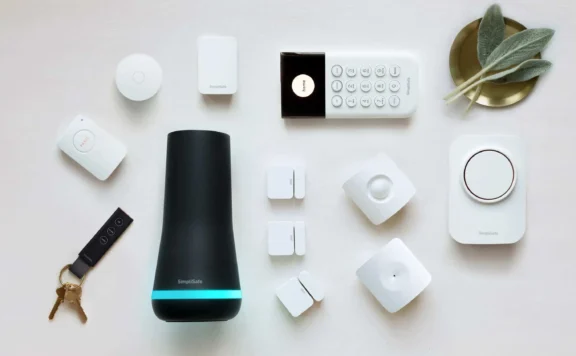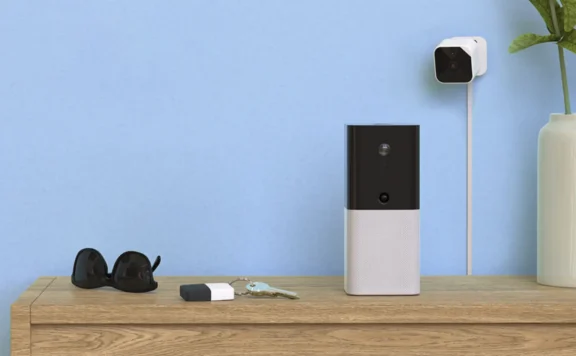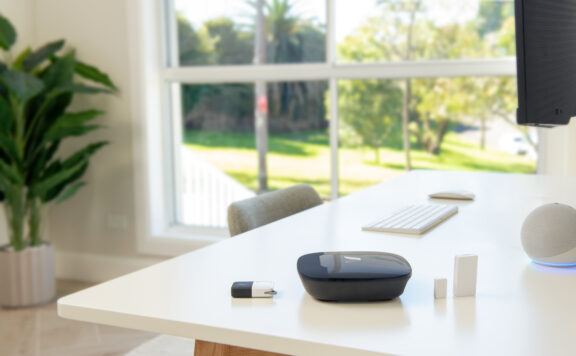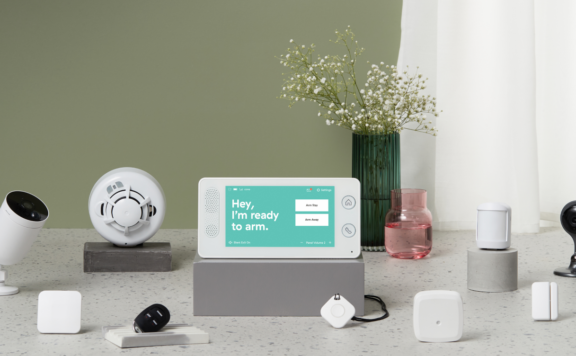
Yale and Schlage both sell several smart-lock families, so the useful comparison is not one logo against another. Match an exact lock to the door, household access plan, smart-home controller, alarm system, emergency fallback, and maintenance routine.
This 2026 guide uses the current Yale smart-lock range, Yale Assure Lock 2 key-free touchscreen with Wi-Fi, current Schlage smart-lock range, and Schlage Encode Plus as reference points. Features, finishes, protocols, keyways, ratings, apps, accessories, and availability vary by exact model. Verify the product page and packaging before buying.
Quick verdict
| Buyer priority | Better starting shortlist | What to verify |
|---|---|---|
| Several Yale designs, key-free choices, or Yale app path | Yale | Exact model, key or key-free fallback, radio, bridge or hub, DoorSense support, and emergency-power method |
| Schlage keypad or touchscreen, keyed fallback, or Apple Home Key on a supported model | Schlage | Exact Encode, Encode Plus, or Connect model; platform, keyway, Wi-Fi or Z-Wave path, and current feature support |
| Alarm-system automation | Whichever exact model is documented by the alarm platform | Controller compatibility, exposed lock state, user codes, local behavior, arming rules, and removal process |
| Emergency exit and lockout prevention | Neither brand wins by logo | Inside release, door fit, key or emergency power, battery alerts, household access, and manual recovery |
Start with the door, not the app
Measure the door thickness, backset, bore holes, edge bore, deadbolt throw, strike alignment, handing, trim clearance, weather exposure, and existing keying. A misaligned door can make a good motor look unreliable and can drain batteries faster. The lock must extend and retract smoothly by hand before any automation is enabled.
Use the door-handing and calibration checklist after installation. If the design keeps the outside hardware and drives the thumbturn from inside, work through the retrofit-adapter selection checklist first.
Compare exact access methods
| Method | Useful for | Failure to plan |
|---|---|---|
| Physical key | Mechanical backup and household continuity | Lost or copied key, inaccessible spare, rekeying, and a cylinder that is never tested |
| Key-free exterior | No exposed cylinder and code-led access | Dead battery, forgotten code, failed keypad, emergency-power procedure, and account recovery |
| Named PIN | Residents, cleaners, carers, contractors, and guests | Shared codes, indefinite access, unclear deletion, and misleading history |
| Phone app | Owner control, history, remote management, and notifications | Lost phone, expired login, changed email, service outage, and shared owner credentials |
| Apple Home Key or another wallet credential | Fast supported-device access | Unsupported model or phone, household sharing, lost device, and platform-owner changes |
| Smart-home or alarm automation | Lock reminders and tested routines | Wrong trigger, stale state, hub outage, silent failure, and unsafe arm/disarm coupling |
Yale buying path
Yale’s current range includes more than one Assure Lock 2 configuration and other lock styles. Do not transfer one model’s Wi-Fi, Bluetooth, Z-Wave, Matter, keyway, biometric, bridge, or accessory support to another. Capture the exact model number before checking integrations.
The referenced key-free Assure Lock 2 with Wi-Fi is one example of a keypad-led, app-connected design. A key-free exterior changes the lockout plan: document the current emergency-power method, battery type, low-battery warning, inside release, and who can recover the account. Test those steps with the door open before relying on them.
Schlage buying path
Schlage’s current range includes Encode, Encode Plus, and other connected-lock paths. The Encode Plus page is the current place to verify Apple Home Key, supported platforms, Wi-Fi, access codes, key backup, finishes, door requirements, and warranty for that exact product. Do not generalize its features to every Schlage lock.
A keyed exterior is useful only if the household controls and tests the key. Record who holds copies, where a trusted spare can be reached, and when the cylinder was last operated. A physical key does not correct a binding door or a poorly installed strike.
Alarm and smart-home fit
Compatibility has several layers: the lock may pair with its own app, a smart-home controller, or an alarm hub, but each path can expose different controls. Ask the alarm provider or controller vendor for the exact lock model, radio, firmware, supported commands, code-management behavior, event history, and local operation.
For an Abode-first alternative, compare the current Abode Lock, Mini Door/Window Sensor, Smart Security Kit, and Abode plans. Verify present compatibility and plan features rather than assuming an old integration list remains current.
Keep lock state and door state separate. “Locked” does not prove the door is closed, and “closed” does not prove the deadbolt is extended. Pair the lock with a direct door contact when the household needs a reliable entry state.
Codes, residents, and temporary access
- Create a named credential for each resident rather than one household code.
- Give cleaners, carers, contractors, tenants, and guests a separate supported code with the narrowest practical schedule.
- Test the code while the owner is home, then record its expiry or removal owner.
- Do not send owner passwords, setup codes, or permanent PINs by group chat.
- After a move, separation, lost phone, or staffing change, remove users, rotate retained codes, review integrations, and test recovery.
Emergency exit and lockout plan
The inside release must remain obvious and usable during a fire, power loss, network outage, panic, or phone failure. Do not create an automation that can block emergency egress. Run the smart-lock emergency-egress checklist with every resident who may need assistance.
Test the battery and lockout plan before the return window ends. The battery replacement and lockout-prevention checklist covers alerts, fit, emergency power, recovery, and replacement records.
Security claims and physical fit
Do not rely on a generic “Grade 1,” “Grade 2,” or “best security” statement without the exact certified model and standard. Confirm the listed certification on the current manufacturer page or packaging. The door, frame, strike, screws, glass, sidelights, hinge side, and surrounding entry still affect the real result.
For a garage or exposed secondary entry, compare the garage side-door smart-lock guide. Weather, radio coverage, battery access, emergency entry, and alarm pairing can matter more there than finish or app design.
Three-year cost worksheet
| Cost | Yale design | Schlage design |
|---|---|---|
| Exact lock and trim | Model, finish, quantity | Model, finish, quantity |
| Controller or bridge | Required hub, module, border router, or none | Required hub, Wi-Fi, Z-Wave controller, or none |
| Door work | Alignment, bore, strike, adapter, locksmith | Alignment, bore, strike, rekeying, locksmith |
| Alarm layer | Door contact, siren, monitoring, backup | Door contact, siren, monitoring, backup |
| Maintenance | Batteries, key control, account handover, replacement | Batteries, key control, account handover, replacement |
Capture current prices on the same day and price the same door and access job. A cheaper lock can cost more if it needs a bridge, door repair, rekeying, or an early replacement.
60-minute Yale vs Schlage acceptance test
| Minutes | Test | Pass condition |
|---|---|---|
| 0–10 | Operate the latch and deadbolt by hand with the door open and closed | No rubbing, bounce, partial throw, or forced motor movement |
| 10–20 | Use every resident code, key, phone, wallet credential, and inside release | Each supported method works and belongs to the correct named user |
| 20–30 | Test temporary access, expiry, deletion, history, and lockout handling | Temporary access works only as intended and can be removed |
| 30–40 | Compare lock state with a direct door contact and any alarm routine | Closed, open, locked, and unlocked states are not confused |
| 40–50 | Disconnect the internet and restart the hub or router | Local entry and exit remain safe; losses and recovery match the plan |
| 50–60 | Simulate low battery, test key or emergency power, and review recovery | Household can enter, exit, replace power, and recover ownership |
Bottom line
Choose Yale when a specific Yale design and connectivity path fits the door and household. Choose Schlage when a specific Schlage model, key path, keypad, or supported Apple feature fits better. Do not declare a brand winner until the exact lock passes door-fit, access, egress, battery, outage, account, and alarm tests.
FAQ
Is Yale or Schlage more secure?
Security depends on the exact certified model, installation, door and frame, key or key-free recovery, account control, and alarm plan. Compare current model documentation instead of assigning one grade to an entire brand.
Do Yale and Schlage work with home-security systems?
Some models can work through supported radios, hubs, or smart-home platforms. Verify the exact lock model and controller with the security provider, including code management, local behavior, and exposed lock state.
Should a smart lock replace a door sensor?
No. A lock can report deadbolt state, while a direct contact reports whether the door opened or closed. Use both when the household needs a reliable entry picture.
What happens when a smart-lock battery dies?
The answer varies by model. Document the current low-battery warning, physical-key or emergency-power path, inside release, battery type, replacement steps, and account recovery before installation.